Your script creates a CA as well and takes care of optional details. That's much more simple if all you need is a cert/key pair for encryption.
I like it because I have many other devices configured to use it and I have the root ca installed in my my browsers.
but when I upload the pem and key files it doesn't like the private key:
Error! TLS private key must be in PEM PRIVATE KEY format
You probably copied the wrong section. You need to copy the full PEM text including the BEGIN and END lines, as suggested by the placeholder for the textarea.
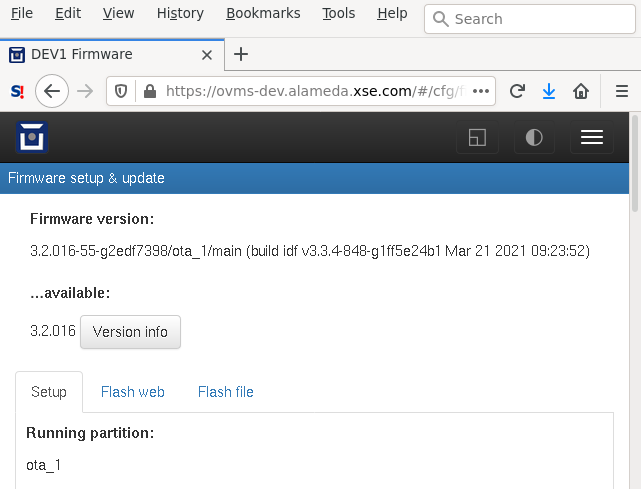
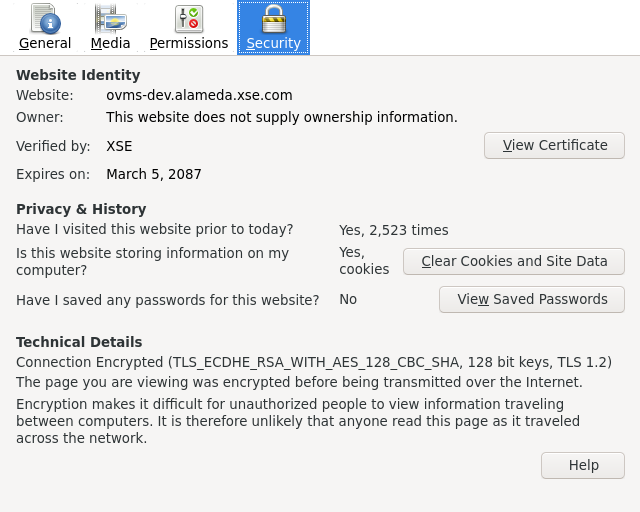
Ah, I see the problem. I searched for the error and it's looking for: -----BEGIN PRIVATE KEY----- but my key says: -----BEGIN RSA PRIVATE KEY----- I've never seen the former. This may describe the differences: https://stackoverflow.com/a/20065522 Anyway, I deleted the RSAs and it submitted ok and works! (I can't get a screen grab of it but) if I click on the firefox lock icon it says, "Connection Secure, Connection verified by a certificate issuer that is not recognized by Mozilla." Chrome likes it as well. I've attached screen grabs that show firefox rendering a page on my dev module and also the "more information" page. Should web_cfg.cpp be changed to accept either header?
I've never used "subjectAltName=IP:192.168.4.1", is that required?
Only if you want to be able to access the OVMS AP by https://192.168.4.1/ .
Ah. Yeah, I don't need that. I always want to use the fqdn and only plan to access it via my home wifi or via vpn. ssh connect times seem a little worse for me: ~3.5 seconds with 3.2.016-5-g5b03f7fe and 3.2.016-55-g2edf7398. Thanks to both of you for making this happen, I've wanted https into the modules for a really long time! Craig