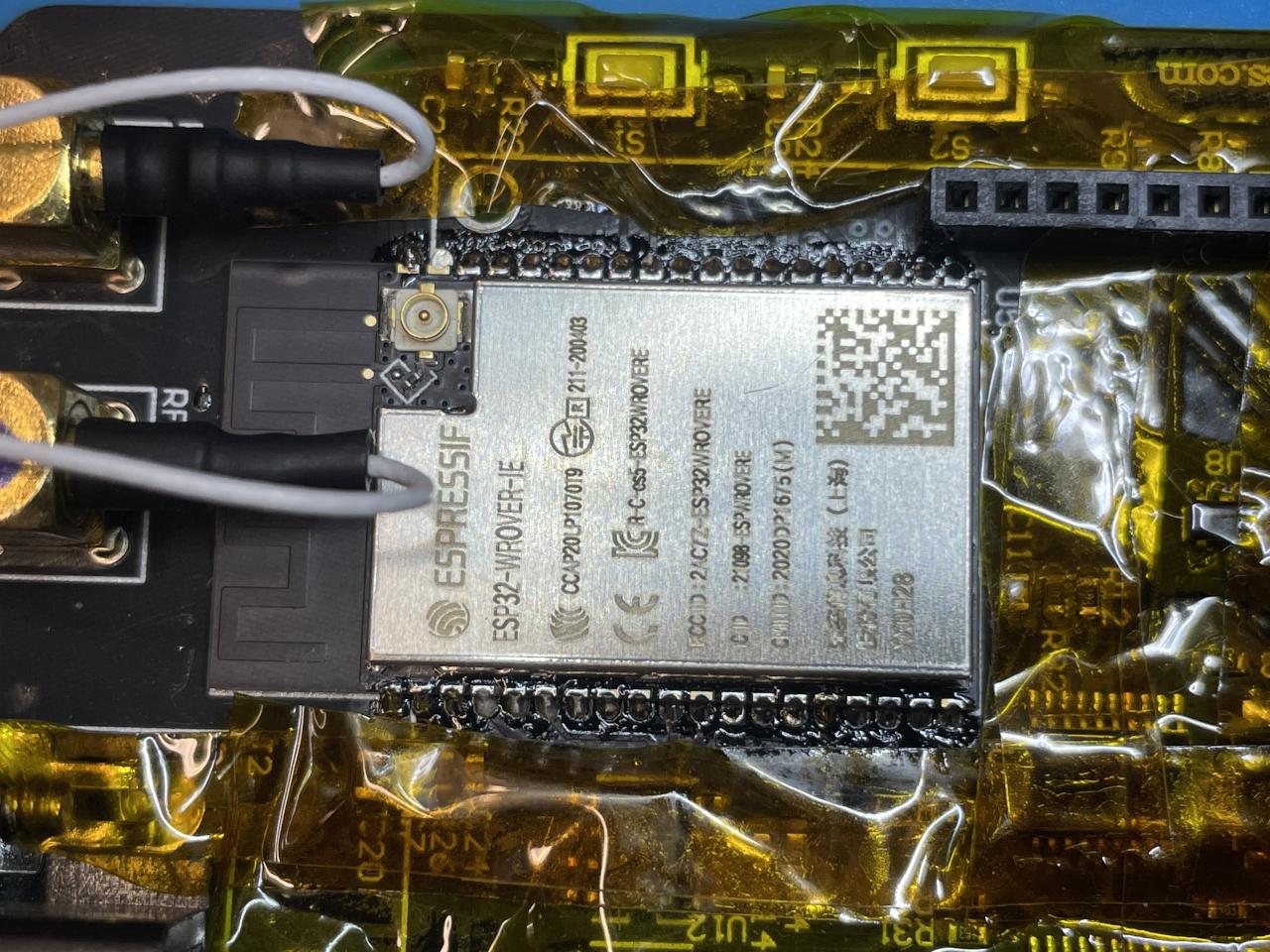
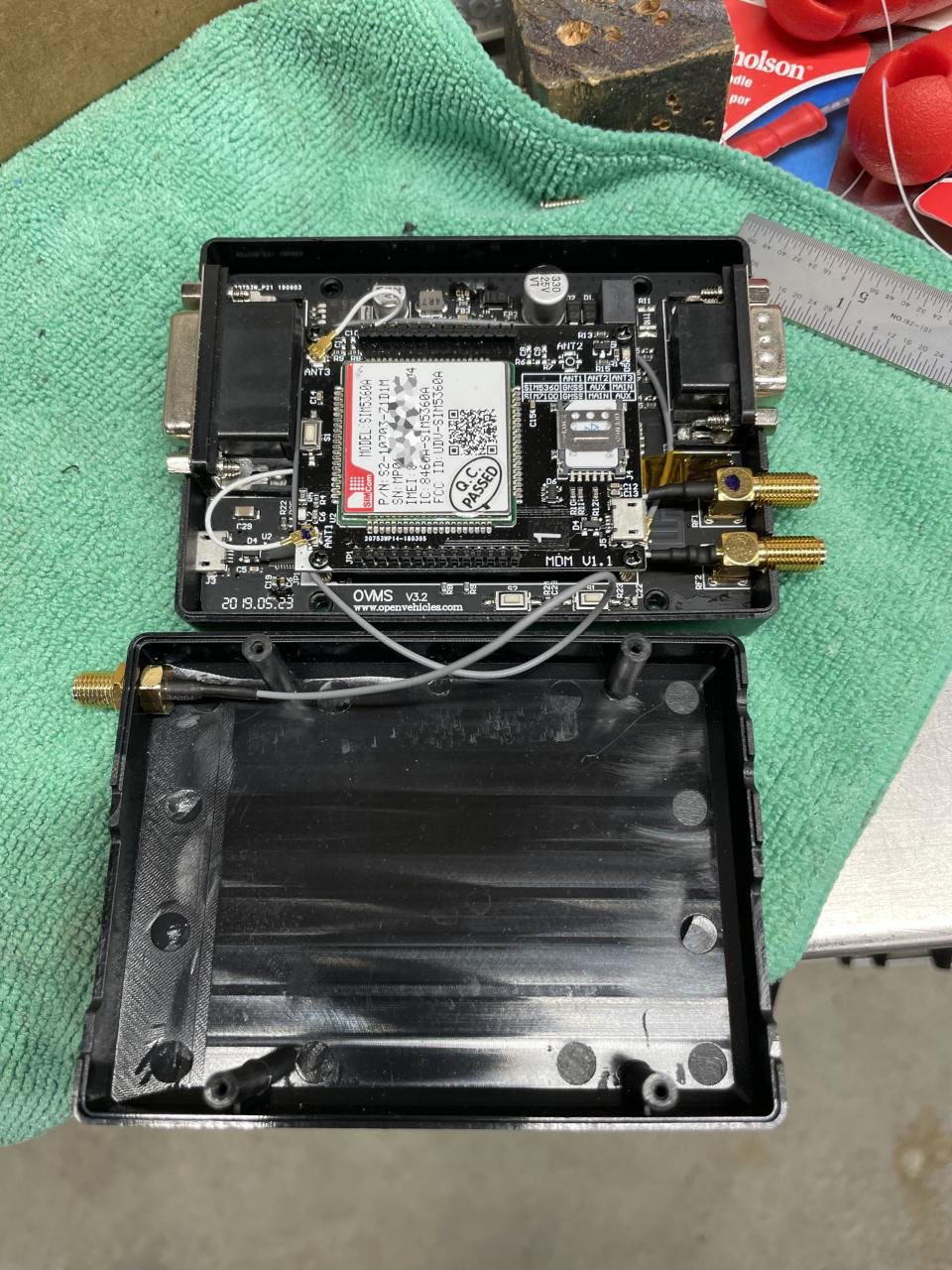
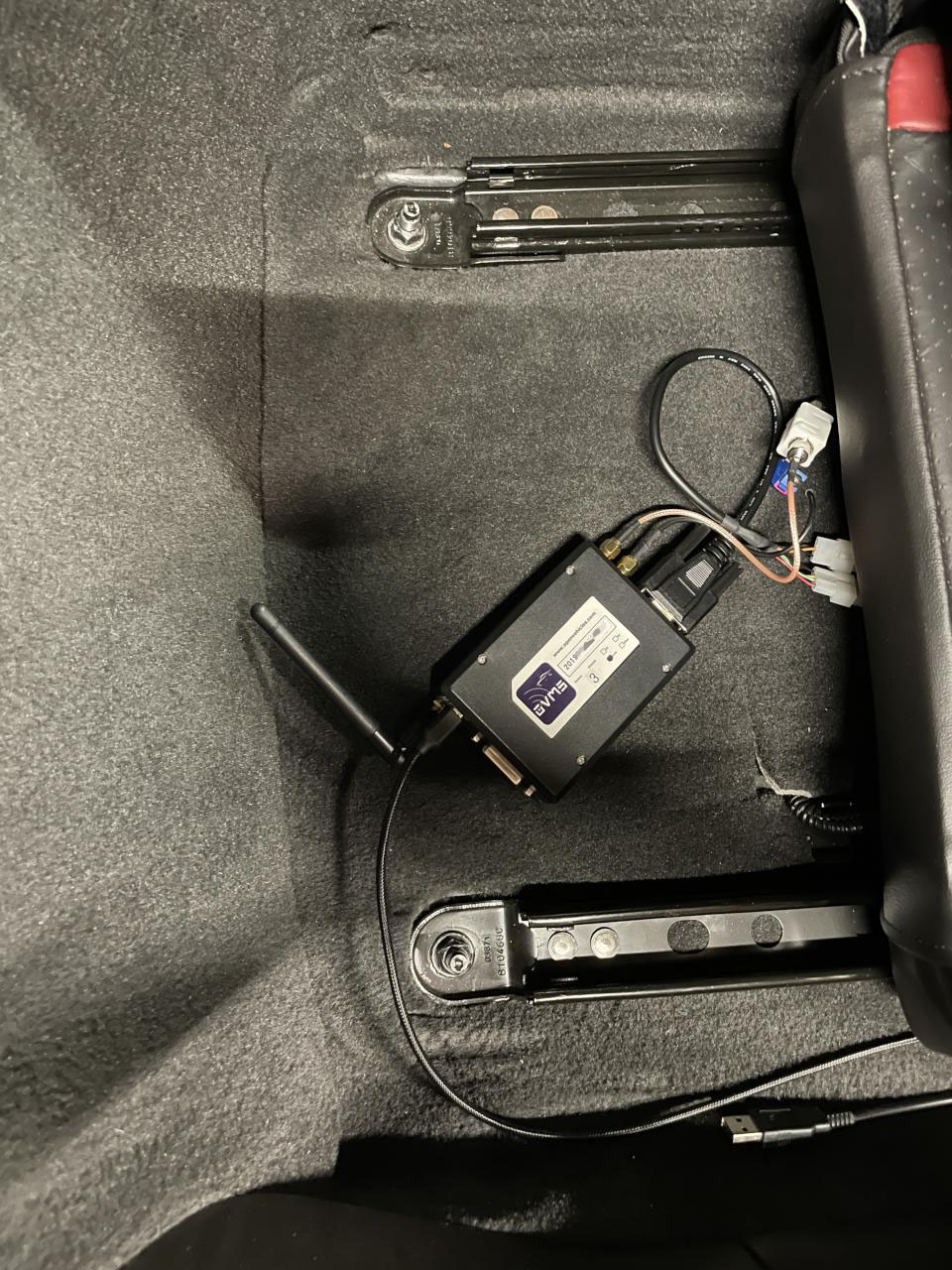
Success! After protecting nearby components with kynar tape my hot air rework made "quick" work of removing the V1 module, including the ground pads on the back of the module. Then I hand soldered the new module in. (I wasn't sure if re-soldering the ground pads was important but I put a little solder paste on it and hit the back side of the board with a little hot air afterwards until the TPs flowed so there's some chance it's back to its original state.) I repurposed an SMA/U.FL cable and wifi antenna from an old foxconn netbox and once I had flashed it and restore the config my wifi signal improved from -80.7 to -53.6 dBm. I'm pretty sure my (brick) chimney is inbetween my ruckus ap and this vehicle and had been thinking about relocating the ap but no need now. OVMS# module sum OVMS MODULE SUMMARY Module Version: 3.2.015-550-g49f7b669/factory/main (build idf v3.3.4-845-gd59ed8bba-dirty Jan 30 2021 18:31:40) Hardware: OVMS WIFI BLE BT cores=2 rev=ESP32/3 It doesn't look like ovms knows there is extra memory? OVMS# module memory Free 8-bit 83756/277928, 32-bit 6836/11192, SPIRAM 3826192/4194252 Also when I was bootstrapping the old config a wifi scan listed my WPA3 ssid but the module couldn't associate with it. But I do see an option with newer versions of the idf: https://docs.espressif.com/projects/esp-idf/en/latest/esp32/api-reference/kc... CONFIG_ESP32_WIFI_ENABLE_WPA3_SAE Select this option to allow the device to establish a WPA3-Personal connection with eligible AP's. PMF (Protected Management Frames) is a prerequisite feature for a WPA3 connection, it needs to be explicitly configured before attempting connection. Please refer to the Wi-Fi Driver API Guide for details. I'm not sure if WPA3 requires V3 hardware or if it's purely an idf thing but it's something fun for the future. Craig